
วิธีติดตั้ง Bonsai-27B โมเดลภาษา 1-Bit บน Local ด้วย PrismML llama.cpp และ OpenAI API
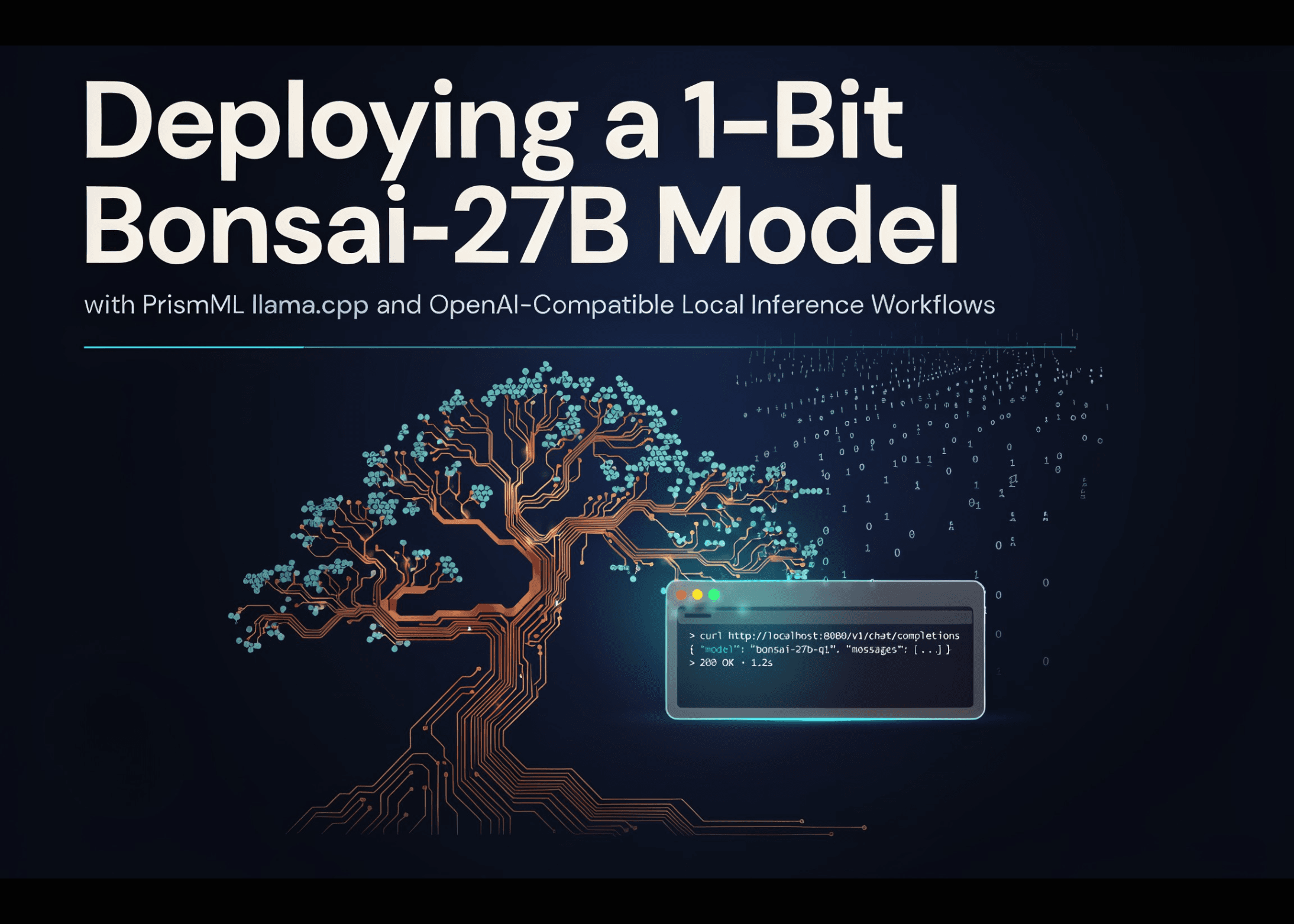
ในบทความนี้ เราจะพาไปดูขั้นตอนการติดตั้งโมเดลภาษา 1-bit Bonsai-27B โดยใช้ llama.cpp เวอร์ชันแยก (fork) ของ PrismML ซึ่งมาพร้อม CUDA kernels พิเศษสำหรับการถอดรหัสโมเดลในรูปแบบ quantization Q1_0_g128 GGUF โดยเฉพาะ
ขั้นตอนเริ่มจากการตรวจสอบสถานะ GPU, การติดตั้ง Python dependencies, การคอมไพล์ไฟล์ไบนารีสำหรับรันโมเดลบน CUDA และดาวน์โหลดน้ำหนักโมเดลจาก Hugging Face จากนั้นเราจะทดสอบผ่าน llama-cli และเปิด Local Inference Server ที่รองรับ API รูปแบบเดียวกับ OpenAI เพื่อให้สามารถโต้ตอบผ่าน Python client ได้ทั้งการตอบกลับแบบมาตรฐาน, การสตรีมข้อมูล, การสนทนาโต้ตอบ และการเขียนโค้ด
import os
import sys
import time
import json
import shutil
import subprocess
import multiprocessing
WORK_DIR = "/content"
REPO_URL = "https://github.com/PrismML-Eng/llama.cpp"
REPO_DIR = os.path.join(WORK_DIR, "llama.cpp")
BUILD_DIR = os.path.join(REPO_DIR, "build")
BIN_DIR = os.path.join(BUILD_DIR, "bin")
HF_REPO = "prism-ml/Bonsai-27B-gguf"
MODEL_FILE = "Bonsai-27B-Q1_0.gguf"
MODEL_PATH = os.path.join(WORK_DIR, MODEL_FILE)
SERVER_HOST = "127.0.0.1"
SERVER_PORT = 8080
SERVER_URL = f"http://{SERVER_HOST}:{SERVER_PORT}"
GEN_PARAMS = {"temperature": 0.7, "top_p": 0.95, "top_k": 20}
CTX_SIZE = 8192
N_GPU_LAYERS = 99
USE_KV_Q4 = False
def sh(cmd, check=True, **kw):
"""Run a shell command, streaming output to the notebook."""
print(f"\n$ {cmd}")
return subprocess.run(cmd, shell=True, check=check, **kw)
print("=" * 70)
print("[1/7] Checking environment")
print("=" * 70)
gpu = subprocess.run("nvidia-smi --query-gpu=name,memory.total --format=csv,noheader",
shell=True, capture_output=True, text=True)
if gpu.returncode != 0:
sys.exit("No GPU detected. In Colab: Runtime -> Change runtime type -> GPU (T4).")
print(f"GPU detected: {gpu.stdout.strip()}")
print("Bonsai-27B needs only ~5.2 GB peak at 4K context — any Colab GPU works.")
sh("pip -q install huggingface_hub requests")
เราเริ่มต้นด้วยการกำหนดค่าเริ่มต้นใน Google Colab ทั้งพื้นที่ทำงาน, แหล่งเก็บโมเดล, พารามิเตอร์สำหรับการรัน และการตั้งค่า GPU Offloading โดยหัวใจสำคัญคือการตรวจสอบการเชื่อมต่อกับ NVIDIA GPU ให้พร้อมใช้งาน ก่อนจะติดตั้งไลบรารี Hugging Face Hub และ HTTP Client เพื่อใช้ในการดึงข้อมูลโมเดลและสื่อสารผ่าน API
print("=" * 70)
print("[2/7] Building PrismML llama.cpp fork with CUDA (cached after 1st run)")
print("=" * 70)
if not os.path.isdir(REPO_DIR):
sh(f"git clone --depth 1 {REPO_URL} {REPO_DIR}")
else:
print("Repo already cloned — skipping.")
cli_bin = os.path.join(BIN_DIR, "llama-cli")
server_bin = os.path.join(BIN_DIR, "llama-server")
bench_bin = os.path.join(BIN_DIR, "llama-bench")
if not (os.path.exists(cli_bin) and os.path.exists(server_bin)):
jobs = multiprocessing.cpu_count()
sh(f"cmake -S {REPO_DIR} -B {BUILD_DIR} -DGGML_CUDA=ON -DCMAKE_BUILD_TYPE=Release")
sh(f"cmake --build {BUILD_DIR} -j{jobs} --target llama-cli llama-server llama-bench")
else:
print("Binaries already built — skipping.")
ขั้นตอนถัดมาคือการโคลนซอร์สโค้ด llama.cpp จาก PrismML เพื่อใช้งาน kernels พิเศษ และทำการคอมไพล์ด้วย CMake เพื่อสร้างไฟล์ไบนารีสำหรับรันเซิร์ฟเวอร์และทดสอบความเร็ว (benchmarking) โดยระบบจะข้ามขั้นตอนนี้หากตรวจพบไฟล์ที่คอมไพล์ไว้แล้ว เพื่อความรวดเร็วในการใช้งานครั้งต่อไป
print("=" * 70)
print("[3/7] Downloading weights from Hugging Face")
print("=" * 70)
from huggingface_hub import hf_hub_download
if not os.path.exists(MODEL_PATH):
downloaded = hf_hub_download(repo_id=HF_REPO, filename=MODEL_FILE,
local_dir=WORK_DIR)
print(f"Downloaded to: {downloaded}")
else:
print("Model already on disk — skipping.")
print(f"Model size on disk: {os.path.getsize(MODEL_PATH) / 1e9:.2f} GB")
เมื่อเตรียมโปรแกรมพร้อมแล้ว เราจะดาวน์โหลดไฟล์โมเดล Bonsai-27B GGUF มาไว้ในเครื่อง โดยจะมีการตรวจสอบขนาดของไฟล์เพื่อยืนยันว่าข้อมูลน้ำหนักโมเดลแบบบีบอัดถูกจัดเก็บอย่างถูกต้องและพร้อมใช้งาน
print("=" * 70)
print("[4/7] Smoke test with llama-cli")
print("=" * 70)
sh(
f'{cli_bin} -m {MODEL_PATH} '
f'-p "Explain in two sentences why 1-bit quantization saves memory." '
f'-n 128 -ngl {N_GPU_LAYERS} '
f'--temp {GEN_PARAMS["temperature"]} '
f'--top-p {GEN_PARAMS["top_p"]} --top-k {GEN_PARAMS["top_k"]} '
f'-no-cnv 2>/dev/null',
check=False,
)
print("=" * 70)
print("[5/7] Starting llama-server (OpenAI-compatible API)")
print("=" * 70)
import requests
kv_flags = "-ctk q4_0 -ctv q4_0" if USE_KV_Q4 else ""
server_cmd = (
f"{server_bin} -m {MODEL_PATH} "
f"--host {SERVER_HOST} --port {SERVER_PORT} "
f"-ngl {N_GPU_LAYERS} -c {CTX_SIZE} {kv_flags}"
)
print(f"$ {server_cmd} (background)")
server_log = open(os.path.join(WORK_DIR, "server.log"), "w")
server_proc = subprocess.Popen(server_cmd, shell=True,
stdout=server_log, stderr=server_log)
for _ in range(120):
try:
if requests.get(f"{SERVER_URL}/health", timeout=2).status_code == 200:
print("Server is up.")
break
except requests.exceptions.RequestException:
pass
time.sleep(2)
else:
server_proc.kill()
sys.exit("Server failed to start — check /content/server.log")
เราจะทำการทดสอบเบื้องต้น (Smoke test) เพื่อยืนยันว่าโมเดลรันได้จริง จากนั้นจึงเปิด llama-server โดยกำหนดค่า GPU offloading เต็มรูปแบบ พร้อมตั้งค่าขนาด Context และ KV-cache ตามต้องการ ระบบจะตรวจสอบสถานะเซิร์ฟเวอร์อย่างต่อเนื่องจนกว่า API จะพร้อมใช้งาน
print("=" * 70)
print("[6/7] Talking to Bonsai-27B via the OpenAI-compatible API")
print("=" * 70)
def chat(messages, stream=False, max_tokens=512, **overrides):
"""Minimal OpenAI-compatible chat client for the local llama-server."""
payload = {
"model": "bonsai-27b",
"messages": messages,
"max_tokens": max_tokens,
"stream": stream,
**GEN_PARAMS,
**overrides,
}
if not stream:
r = requests.post(f"{SERVER_URL}/v1/chat/completions", json=payload)
r.raise_for_status()
return r.json()["choices"][0]["message"]["content"]
r = requests.post(f"{SERVER_URL}/v1/chat/completions", json=payload, stream=True)
r.raise_for_status()
full = []
for line in r.iter_lines():
if not line or not line.startswith(b"data: "):
continue
chunk = line[len(b"data: "):]
if chunk == b"[DONE]":
break
delta = json.loads(chunk)["choices"][0]["delta"].get("content", "")
full.append(delta)
print(delta, end="", flush=True)
print()
return "".join(full)
SYSTEM = {"role": "system", "content": "You are a helpful assistant"}
print("\n--- 6a: basic completion ---")
answer = chat([SYSTEM, {"role": "user",
"content": "What is the capital of France? One sentence."}]
)
print(answer)
print("\n--- 6b: math reasoning, streamed token-by-token ---")
chat([SYSTEM, {"role": "user",
"content": "A train travels 120 km at 80 km/h, then 90 km at "
"60 km/h. What is its average speed for the whole "
"trip? Show your reasoning briefly."}],
stream=True, max_tokens=700)
print("\n--- 6c: multi-turn chat ---")
history = [SYSTEM]
for user_msg in ["My name is Priya and I love graph algorithms.",
"Suggest one project idea that combines my interest with LLMs.",
"What was my name again?"]:
history.append({"role": "user", "content": user_msg})
reply = chat(history, max_tokens=300)
history.append({"role": "assistant", "content": reply})
print(f"\nUSER: {user_msg}\nBONSAI: {reply}")
print("\n--- 6d: code generation ---")
print(chat([SYSTEM, {"role": "user",
"content": "Write a Python function that returns the n-th "
"Fibonacci number using memoization. Code only."}],
max_tokens=400))
ในส่วนสุดท้าย เราได้เตรียม Chat Client อย่างง่ายที่เขียนด้วย Python เพื่อส่งคำขอไปยังเซิร์ฟเวอร์ Bonsai-27B ซึ่งรองรับฟีเจอร์ครบครัน ทั้งการแก้โจทย์คณิตศาสตร์, การสนทนาต่อเนื่อง และการเขียนโค้ด ทำให้โมเดลจิ๋วแต่แจ๋วขนาด 1.125-bit นี้ทำงานได้อย่างมีประสิทธิภาพ
print("=" * 70)
print("[7/7] Optional extras")
print("=" * 70)
RUN_BENCHMARK = False
if RUN_BENCHMARK:
sh(f"{bench_bin} -m {MODEL_PATH} -ngl {N_GPU_LAYERS}", check=False)
print("""
NOTES & NEXT STEPS
------------------
* Long context: the model supports up to 262K tokens. On Colab, raise
CTX_SIZE and set USE_KV_Q4 = True (4-bit KV cache) — with it, 100K-token
contexts fit in roughly 6.8 GB peak, well inside a T4's 16 GB.
* Speculative decoding: the repo ships a DSpark drafter (Q4_1, ~1.79 GB)
that gives a lossless ~1.37x decode speedup on CUDA. See the PrismML
llama.cpp fork's README for the serving flags, and download the drafter
pack from the same HF repo if you want to try it.
* Vision: an optional ~0.63 GB mmproj pack adds image input; it is only
loaded when an image arrives, so text-only serving never pays for it.
* Quality vs size: if you want more headroom, the ternary sibling
(prism-ml/Ternary-Bonsai-27B-gguf, ~5.9 GB, ~95% of FP16) is a drop-in
swap — just change HF_REPO / MODEL_FILE above.
* Shutting down: run server_proc.kill() in a later cell to free the GPU.
""")
print("Done. The server is still running — call chat([...]) from new cells!")
นอกจากนี้ ระบบยังรองรับการขยายขีดความสามารถอื่นๆ เช่น การเพิ่ม Context ได้สูงสุดถึง 262,000 โทเค็น, การใช้ Speculative Decoding เพื่อเร่งความเร็วการตอบกลับ และการเพิ่มฟีเจอร์ด้าน Vision เพื่อให้โมเดลประมวลผลรูปภาพได้
สรุปได้ว่า เวิร์กโฟลว์นี้ช่วยให้คุณรันโมเดล Bonsai-27B บนทรัพยากรที่จำกัดได้อย่างเต็มประสิทธิภาพ โดยยังคงมาตรฐานการเชื่อมต่อแบบเดียวกับ OpenAI API ซึ่งเหมาะมากสำหรับการทดลองเทคโนโลยี low-bit AI โดยไม่ต้องพึ่งพาระบบคลาวด์ภายนอก
ตรวจสอบ ** Full Code ได้ที่นี่ ** นอกจากนี้ โปรดติดตามเราบน
ความคิดเห็น (0)
เข้าสู่ระบบเพื่อร่วมแสดงความเห็น
สมัครสมาชิกมาเป็นคนแรกที่แสดงความเห็นกันเลยโบร