
เจาะลึก Named Entity Recognition ด้วย Scikit-LLM
บทนำ
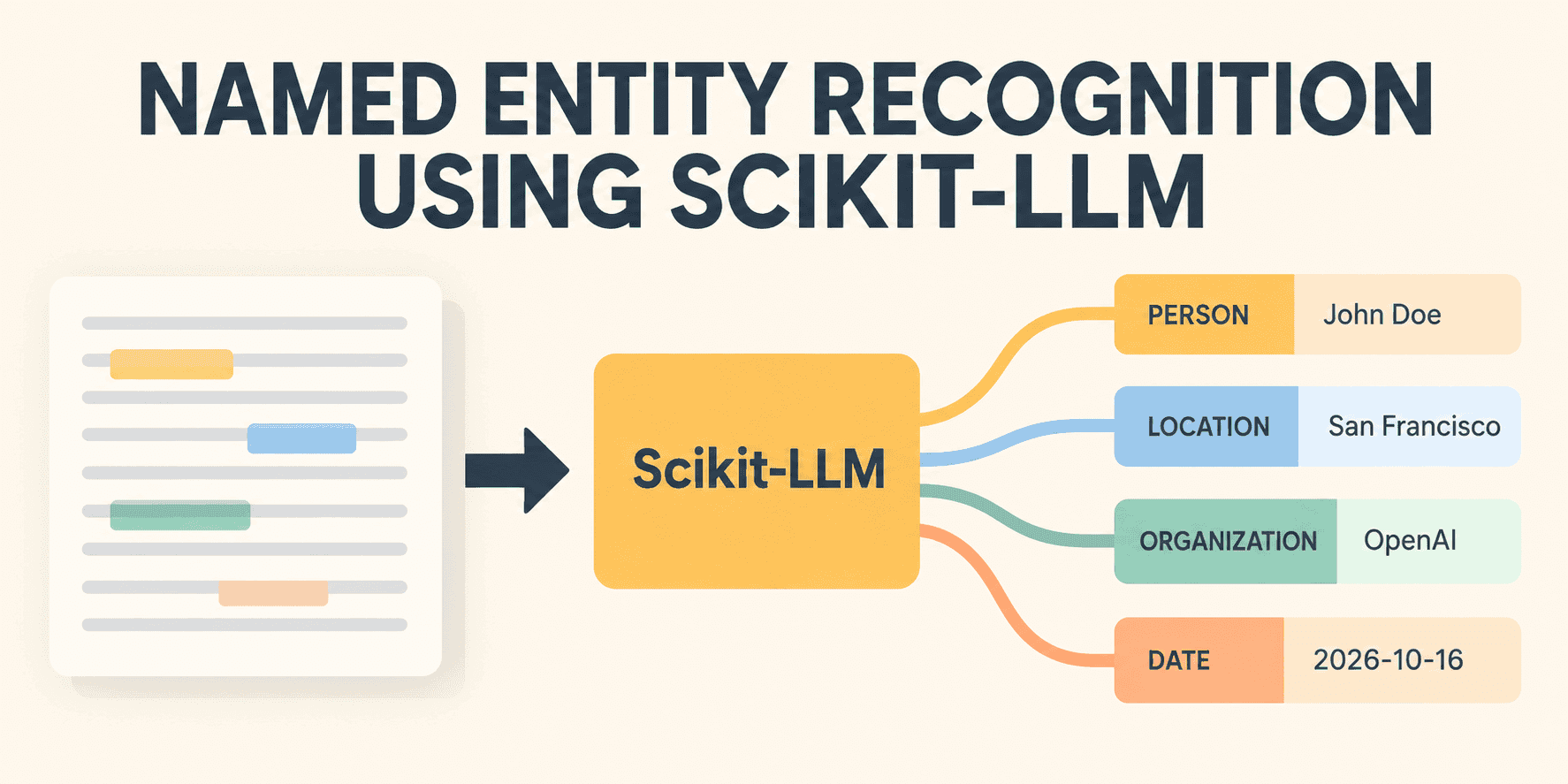
การสกัดข้อมูลที่มีโครงสร้าง (Structured data extraction) จากข้อความเป็นกระบวนการที่มีประโยชน์อย่างยิ่งในการวิเคราะห์ข้อมูลและการพัฒนาโมเดล Machine Learning เพื่อการทำนาย โดยเฉพาะการทำ Named entity recognition (NER) ซึ่งเป็นการเปลี่ยนข้อความที่ไม่มีโครงสร้างให้กลายเป็นข้อมูลที่จัดระเบียบผ่านการระบุ สกัด และจัดหมวดหมู่ข้อมูลที่เกี่ยวข้องออกมา โดยทั่วไปแล้ว การทำ NER มักใช้ไลบรารี Natural Language Processing (NLP) แบบดั้งเดิม ซึ่งมีข้อจำกัดที่ต้องใช้ชุดข้อมูลฝึกฝนจำนวนมากและต้องปรับจูน (fine-tuning) อย่างยากลำบากเพื่อให้จดจำเอนทิตี (entity) เฉพาะทางได้
อย่างไรก็ตาม การมาถึงของ Scikit-LLM ช่วยให้เราสามารถดึงความสามารถในการใช้เหตุผลของ Large Language Model (LLM) มาสร้างไปป์ไลน์ Machine Learning ที่ได้มาตรฐานได้อย่างรวดเร็ว ครอบคลุมตั้งแต่งานจำแนกข้อความไปจนถึงการทำ NER แบบกำหนดเอง
การรัน Named Entity Recognition ด้วย Scikit-LLM
ตัวอย่างนี้สามารถรันบน Google Colab notebook โดยใช้ API ของ LLM จาก Groq เพื่อใช้งานโมเดลฟรี ขั้นตอนแรกคือการลงทะเบียนที่เว็บไซต์ Groq เพื่อสร้าง API key จากนั้นให้นำมาตั้งชื่อตัวแปร Secret ใน Google Colab ว่า GROQ_API_KEY ก่อนเริ่มติดตั้ง Scikit-LLM ด้วยคำสั่งดังนี้:
!pip install scikit-llm -qในส่วนของโค้ด Python เราจะเริ่มต้นตั้งค่า Scikit-LLM ซึ่งถูกออกแบบตามมาตรฐาน OpenAI API แต่เราสามารถเขียนทับ (override) base URL เพื่อไปใช้บริการของ Groq ที่ทำงานได้รวดเร็วและรองรับ Free-tier ได้ผ่านเมธอด SKLLMConfig.set_gpt_url():
from google.colab import userdata
from skllm.config import SKLLMConfig

# Securely retrieving the Groq API key from Colab Secrets
groq_key = userdata.get('GROQ_API_KEY')

# Redirecting scikit-LLM to Groq's high-speed, free-tier compatible endpoint
SKLLMConfig.set_gpt_url("https://api.groq.com/openai/v1")
SKLLMConfig.set_openai_key(groq_key)
ถัดมาคือการกำหนดข้อมูลตัวอย่าง สำหรับ NER ที่ขับเคลื่อนด้วย LLM สิ่งสำคัญคือ พจนานุกรมเอนทิตี (entity dictionary) ซึ่งประกอบด้วยคู่คีย์-ค่า โดยคีย์คือหมวดหมู่ที่ต้องการสกัด และค่าคือคำอธิบายเอนทิตีที่จะทำหน้าที่เป็นพรอมต์นำทางให้ LLM เข้าใจบริบท พร้อมกำหนดข้อความตัวอย่างที่เกี่ยวข้องกับธุรกิจเทคโนโลยี:
# Defining the domain-specific entity set to extract, including a clear description that serves as instruction for the LLM
entities = {
    "EXECUTIVE": "The full name of a company leader or individual.",
    "CORPORATION": "The name of a technology company or business.",
    "PRODUCT": "A specific hardware device, software, or technology feature.",
    "CITY": "A geographical location or municipality."
}

# Unstructured text data to parse
X_unstructured = [
    "Satya Nadella announced Copilot integrations for Microsoft at the summit in Seattle.",
    "Elon Musk supervised the rollout of the Cybertruck at the Texas facility.",
    "Jensen Huang showcased the new Blackwell architecture for Nvidia in San Jose."
]
ขั้นตอนสำคัญคือการรัน Scikit-LLM estimator ด้วยคลาส GPTExplainableNER โดยในที่นี้จะใช้โมเดล openai/gpt-oss-20b ซึ่งรองรับ Free-tier เมื่อสั่ง fit_transform() โมเดลจะเริ่มกระบวนการใช้เหตุผลเพื่อสกัดข้อมูลออกจากข้อความดิบทันที:
from skllm.models.gpt.tagging.ner import GPTExplainableNER

# Initializing the NER estimator using a tool-compatible model
ner = GPTExplainableNER(
    entities=entities,
    model="custom_url::openai/gpt-oss-20b"
)

# fit_transform processes the text and extracts the structured entities
extracted_data = ner.fit_transform(X_unstructured)
สำหรับการแสดงผลลัพธ์ เราจะใช้โค้ดวนลูปเพื่อดึงข้อมูลที่ LLM ส่งกลับมา โดยมีการตรวจสอบประเภทข้อมูลเพื่อให้แน่ใจว่าได้โครงสร้างที่ถูกต้อง:
import ast

# Displaying the extracted entities and handle the string-serialized output
for text, data in zip(X_unstructured, extracted_data):
    print(f"Original: '{text}'")

# If the model returned a string representation of the dict, evaluate it
    if isinstance(data, str):
        try:
            data = ast.literal_eval(data)
        except (ValueError, SyntaxError):
            # Fallback just in case the LLM hallucinated the formatting
            print(f"  Raw unstructured output: {data}\n" + "-" * 50)
            continue

# Data is a Python dictionary, allowing iteration through .items()
    for entity_type, extractions in data.items():
        print(f"  {entity_type}: {extractions}")
    print("-" * 50)
``` เนื่องจากผลลัพธ์ดิบอาจจะยังไม่สะอาดพอ เราสามารถใช้โค้ดตัวช่วยร่วมกับ regular expressions เพื่อพาร์สข้อมูลให้จัดวางในรูปแบบที่อ่านง่ายและเป็นระเบียบมากขึ้น ซึ่งผลลัพธ์ที่ได้จะแยกประเภทชื่อผู้บริหาร (EXECUTIVE), ผลิตภัณฑ์ (PRODUCT), บริษัท (CORPORATION) และเมือง (CITY) ได้อย่างแม่นยำ

## บทสรุป

การใช้ Scikit-LLM ร่วมกับโมเดลโอเพนซอร์สช่วยให้การทำ Named Entity Recognition (NER) เป็นเรื่องง่ายและรวดเร็ว โดยไม่จำเป็นต้องเสียเวลาฝึกฝนโมเดลใหม่ตั้งแต่ต้น เพียงแค่ตั้งค่าเพียงเล็กน้อยและเขียนโค้ดไม่กี่บรรทัด เราก็สามารถเปลี่ยนข้อความดิบให้เป็นข้อมูลที่มีโครงสร้างพร้อมใช้งานต่อได้ทันทีความคิดเห็น (0)
เข้าสู่ระบบเพื่อร่วมแสดงความเห็น
สมัครสมาชิกมาเป็นคนแรกที่แสดงความเห็นกันเลยโบร