
สร้าง Structured Output ให้ LLM แม่นยำ 100% ด้วย Outlines ไลบรารี
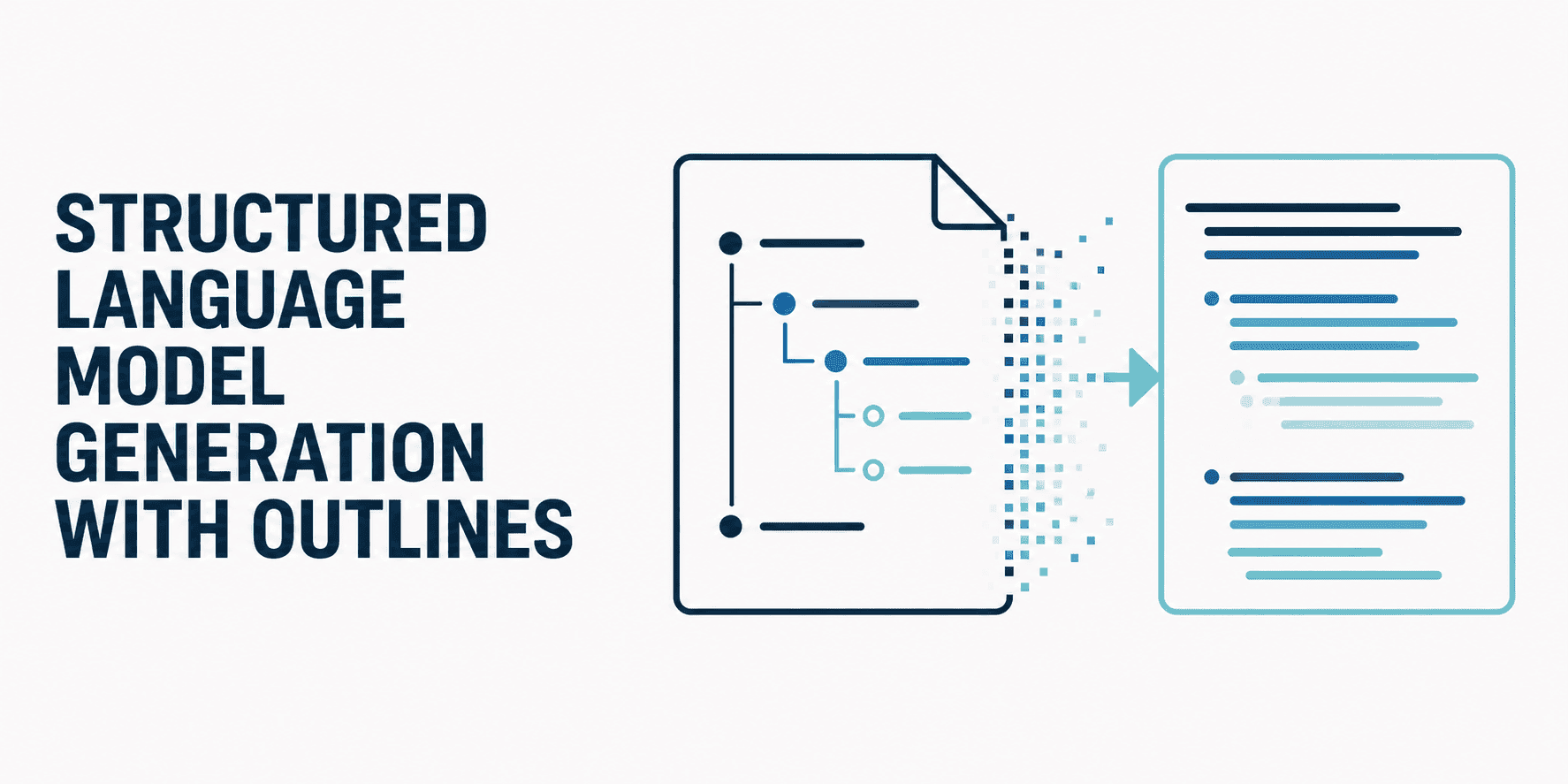
บทนำ โดยปกติแล้ว เมื่อเราต้องการให้ LLM (Large Language Model) สร้าง structured output ที่เป็นระเบียบ เช่น JSON object เรามักต้องปรับแต่ง prompt อย่างละเอียดและต้องลุ้นให้ผลลัพธ์ออกมาถูกต้อง ซึ่งมักจะเป็นเรื่องยากที่จะได้โครงสร้างที่สมบูรณ์แบบตามต้องการ จนกระทั่งมีการเปิดตัว open-source library ตัวใหม่ที่ชื่อว่า outlines
ไลบรารีนี้ถูกออกแบบมาเพื่อแก้ปัญหาที่ LLM มักพบเมื่อต้องสร้างเอาต์พุตเฉพาะเจาะจง เช่น อาการประสาทหลอน (hallucinations) โดยการนำกระบวนการสร้างผลลัพธ์แบบเชิงกำหนด (deterministic certainty) เข้ามาใช้
เรามาดูกันว่า outlines ช่วยเพิ่มประสิทธิภาพการทำงานได้อย่างไรผ่านตัวอย่างการใช้งานจริงด้วย Python ในบทความนี้
กรณีการใช้งานที่ 1: การจำแนกประเภทแบบหลายตัวเลือก (Multiple-Choice Classification)
ก่อนจะไปดูตัวอย่างแรก หลายคนอาจสงสัยว่า outlines ทำงานอย่างไร? ในขั้นตอนการอนุมาน (inference) ไลบรารีนี้จะทำการ "ปกปิด" (mask out) token ที่ผิดหลักไวยากรณ์ในขณะที่โมเดลกำลังสร้างผลลัพธ์ แทนที่จะรอแก้ข้อความที่ผิดพลาดหลังสร้างเสร็จ วิธีนี้ทำให้เอาต์พุตไม่มีทางผิดเพี้ยนไปจากกฎเกณฑ์ที่กำหนดไว้
ตัวอย่างเช่น หากเรากำลังสร้างระบบวิเคราะห์ตั๋วบริการลูกค้า (customer support tickets) และต้องการให้โมเดลเลือกคำตอบ เพียงข้อเดียว จากรายการที่กำหนด เราสามารถใช้ฟังก์ชัน generate.choice() เพื่อบังคับให้โมเดลเลือกเฉพาะค่าคงที่ (literals) หรือคลาสที่เตรียมไว้เท่านั้น
เริ่มจากการติดตั้งไลบรารีพร้อมกับ transformers สำหรับโหลดโมเดล:
pip install outlines[transformers]โค้ดด้านล่างใช้ outlines.from_transformers() เพื่อโหลดโมเดล pre-trained ผ่าน auto classes ของ Hugging Face จุดสำคัญคือทั้งโมเดลและ tokenizer จะถูกห่อหุ้ม (wrapped) ด้วย object ของ outlines ซึ่งจะทำหน้าที่สั่งการโมเดลในขณะประมวลผล โดยเราจะส่งทั้ง prompt และ object แบบ Literal ที่ระบุข้อจำกัดของเอาต์พุตไปด้วย:
import outlines
from transformers import AutoTokenizer, AutoModelForCausalLM
from typing import Literal

# 1. Loading the backend using standard Transformer-based models
model_name = "microsoft/Phi-3-mini-4k-instruct"

# We use outlines to load the model with its from_transformers() function
model = outlines.from_transformers(
    AutoModelForCausalLM.from_pretrained(model_name),
    AutoTokenizer.from_pretrained(model_name)
)

# 2. Calling the model directly, passing our approved strings as type constraints
sentiment = model(
    "Classify the sentiment of this customer review: 'I've been waiting two weeks for my delivery and it's still missing.'",
    Literal["Positive", "Negative", "Neutral"]
)

print(sentiment)
เอาต์พุต:
Negativeข้อสังเกต: แม้ Literal จะเป็นส่วนหนึ่งของโมดูล typing ใน Python แต่ outlines จะใช้มันในการควบคุมโมเดลผ่านการสร้าง Finite State Machine อยู่เบื้องหลัง เพื่อจำกัดให้เอาต์พุตเหลือเพียงตัวเลือกที่กำหนดเท่านั้น
กรณีการใช้งานที่ 2: การสร้าง JSON Object
ตัวอย่างนี้เริ่มจากการใช้ Pydantic เพื่อกำหนดโครงสร้าง JSON object ที่ต้องการ สำหรับอธิบายตัวละครสมมติ (ชื่อ, คำอธิบาย และอายุ) จากนั้นใช้โมเดลที่ถูกห่อหุ้มด้วย outlines เพื่อรับประกันว่าผลลัพธ์ที่ได้จะเป็นไปตามโครงสร้าง JSON ของ Pydantic อย่างเคร่งครัด:
from pydantic import BaseModel

# 1. Define a Pydantic model for the desired JSON structure
class Character(BaseModel):
    name: str
    description: str
    age: int

# 2. Using the outlines-wrapped model to generate a JSON output conforming to the Pydantic model
json_output = model(
    "Generate a JSON object describing a fictional character named 'Anya'.",
    Character,
    max_new_tokens=200
)

print(json_output)
เอาต์พุต:
{ "name": "Anya", "description": "Anya is a young, adventurous woman with a passion for exploring new places and meeting new people. She has long, curly hair and bright green eyes that sparkle with curiosity. Anya is always eager to learn and loves to share her knowledge with others. She is kind-hearted and always willing to lend a helping hand to those in need. Anya's favorite hobbies include hiking, reading, and playing the guitar. She is a free spirit who values freedom and independence above all else." ,"age": 25 }กรณีการใช้งานที่ 3: การสร้าง Pure JSON สำหรับ REST APIs
ในกรณีของการสร้าง backend สำหรับ API ที่ต้องการ JSON payload ที่แม่นยำเพื่ออัปเดตฐานข้อมูล LLM มาตรฐานมักจะแถมตัวอักษรส่วนเกิน เช่น เครื่องหมายคอมมาปิดท้าย ซึ่งทำให้ JSON parser ทำงานผิดพลาด
ด้วย Outlines เราสามารถกำหนด JSON payload ผ่าน Pydantic เพื่อบังคับให้ผลลัพธ์ที่ได้เป็น Raw String ที่เป็น JSON ที่ถูกต้องเสมอ
from pydantic import BaseModel
from typing import Literal
import json

class ServerHealth(BaseModel):
    service_name: str
    uptime_seconds: int
    status: Literal["OK", "DEGRADED", "DOWN"]

# 1. Outlines should produce a raw string guaranteed to be valid JSON
raw_json_string = model(
    "Report the current status of the main Auth database.",
    ServerHealth,
    max_new_tokens=50
)

print(type(raw_json_string))  # This will just print: <class 'str'>

# 2. Pretty-printing
parsed_json = json.loads(raw_json_string)
print(json.dumps(parsed_json, indent=2))
เอาต์พุต:
{
  "service_name": "auth_db_status",
  "uptime_seconds": 1623456789,
  "status": "OK"
}
บทสรุป เนื่องจาก LLM ถูกฝึกมาเพื่อเน้นการสนทนาที่ลื่นไหล แต่อาจทำให้โครงสร้างทางไวยากรณ์ผิดเพี้ยนหรือเกิดอาการประสาทหลอนได้ การคุมให้สร้าง JSON object ที่สะอาดจึงเป็นเรื่องยาก Outlines จึงเป็นโอเพนซอร์สไลบรารีที่เข้ามาเติมเต็มช่องว่างนี้ด้วยการนำความแน่นอนมาสู่กระบวนการสร้างเอาต์พุต เพื่อให้ได้โครงสร้างข้อมูลที่น่าเชื่อถือและพร้อมใช้งานต่อทันที
ความคิดเห็น (0)
เข้าสู่ระบบเพื่อร่วมแสดงความเห็น
สมัครสมาชิกมาเป็นคนแรกที่แสดงความเห็นกันเลยโบร